CNC vs 3D Printing for Prototyping: Which Method Fits Your Part?
Objective
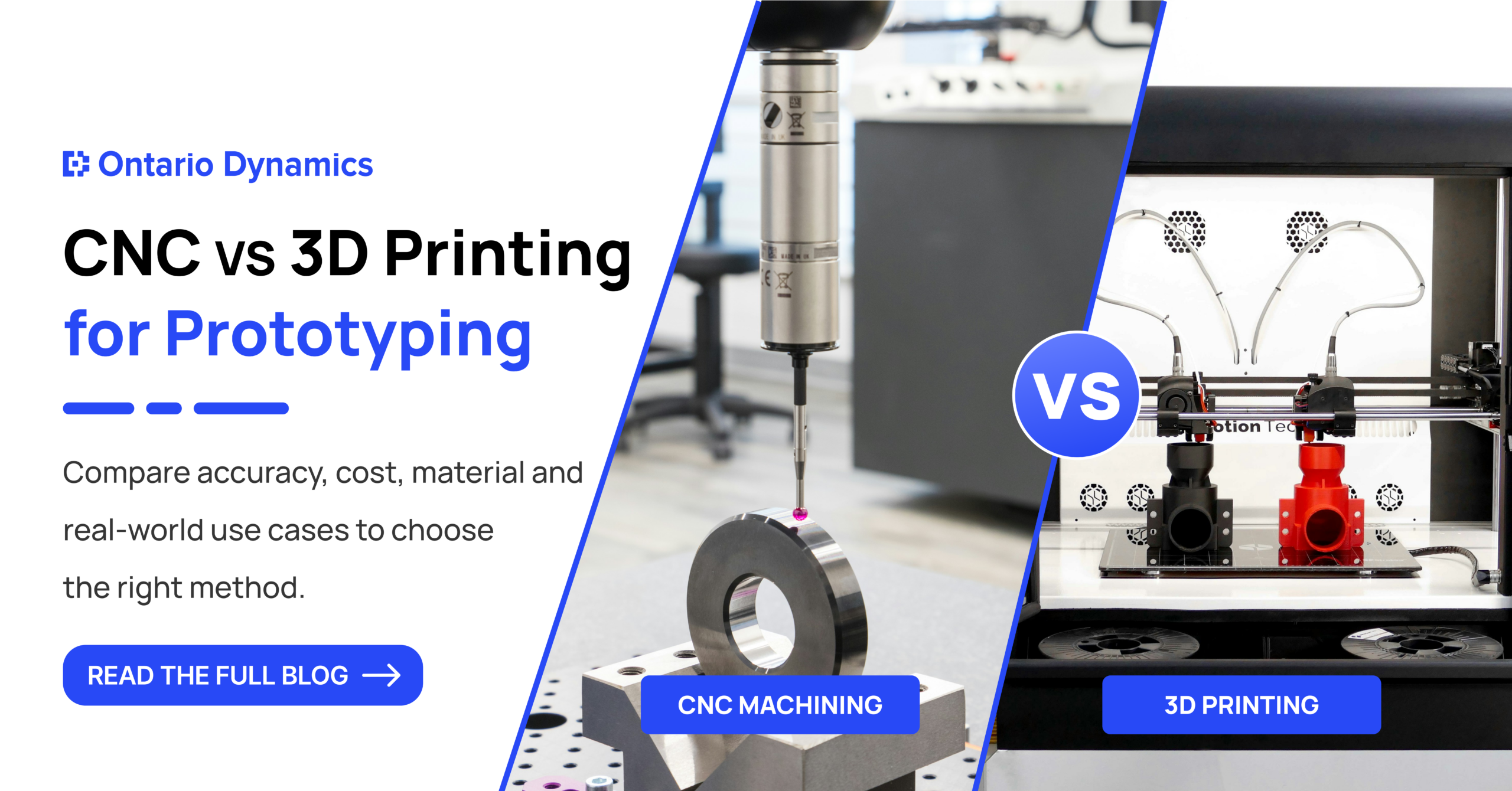
CNC machining cuts a part out of solid material. 3D printing builds it layer by layer. In CNC vs 3D printing for prototyping, CNC usually wins when the part must be tested under load, heat, or tight fits. Printing usually wins for early shape and assembly checks.
Key Takeaways:
- Short answer: Use 3D printing to check shape, fit, and look. Use CNC machining when the prototype must behave like the final part.
- Accuracy: CNC commonly holds ±0.05 mm on specified features. FDM printing is often around ±0.1 to ±0.2 mm.
- Cost: Printing is cheaper for one or two plastic parts. CNC becomes the better value for metal parts and tight tolerances.
- Material: CNC uses real production stock. Printed parts are weaker across their layers.
- Geometry: Printing handles internal channels. CNC is limited by tool access.
- Best practice: Many teams print early versions, then machine the version they plan to test hard.
Table of Contents
- What is the difference between CNC machining and 3D printing?
- Which method gives better dimensional accuracy?
- How do costs compare for a prototype?
- How do the materials perform during testing?
- What geometry and surface finish can each method handle?
- How do you decide on CNC vs 3D printing for prototyping?
- What should you look for in a prototyping partner?
- FAQ
A team orders a printed bracket on Monday. It arrives Wednesday, matches the CAD model, and looks right. Then it goes on the test bench and cracks at the first bolt hole under torque.
The shape was fine. The method was wrong for the test.
This happens often. Printing is fast and cheap, so teams default to it. CNC feels slow and costly, so teams avoid it. Both habits get expensive when the prototype answers the wrong question.
At Ontario Dynamics, we help product and manufacturing teams pick the method before the part is built. This guide shows how we think about that choice, with numbers, examples, and a decision matrix you can use today.
What Is the Difference Between CNC Machining and 3D Printing?
CNC machining removes material from a solid block using computer-guided cutting tools. 3D printing adds material layer by layer from a digital file. That one difference drives almost everything else in this article.
With CNC (computer numerical control), a machine mills or turns aluminum, steel, or plastic into your part. Production-grade stock goes in. A finished shape comes out.
3D printing is also called additive manufacturing. The four common types are:
- FDM: melts plastic filament and lays it down in layers.
- SLA: cures liquid resin with a laser.
- SLS: fuses nylon powder with a laser.
- DMLS: fuses metal powder.
Both methods fall under rapid prototyping. Our product prototyping services use both, and we choose based on what the prototype must prove. If you want the wider view, our post on rapid prototyping vs traditional manufacturing covers it.
Which Method Gives Better Dimensional Accuracy?
CNC machining is more accurate. It commonly holds ±0.05 mm on specified features, and ±0.01 mm is possible with the right setup. Printed parts vary more by process and by part size.
Method | Typical tolerance | Best for |
CNC machining | ±0.01 to ±0.05 mm | Bores, threads, flat faces |
SLA printing | About ±0.025 mm | Small, detailed resin parts |
SLS printing | About ±0.05 mm | Nylon parts, snap fits |
FDM printing | About ±0.1 to ±0.2 mm | Quick shape and fit checks |
Figures are typical ranges from supplier guides (Facturee, Facfox, JLC CNC). Real results depend on part size, material, and machine.
Printed tolerances work differently. They are a base value plus a percentage of the part’s size. They also change with print direction, so a hole can come out slightly different along one axis than along another.
Here is a practical rule. If a hole must take a press-fit bearing or a dowel pin, machine it. Or print the part with that hole undersized and finish the hole by CNC.
Dimensional accuracy matters most where parts mate with other parts. For a cosmetic model, it matters far less.
How Do Costs Compare for a Prototype?
3D printing costs less for one or two plastic parts. CNC machining costs more per part, but it can cost less overall when you need metal, tight tolerances, or fewer redesign rounds.
Printing has almost no setup. The price per part stays close to flat whether you print one or five. CNC adds programming and fixturing time, and cutting wastes material.
Material choice moves the prototype cost a lot. Some high-performance plastics like PEEK can cost up to $500 per kg, according to 3Dnatives. Metal printing also costs more than machining the same metal for most simple shapes.
Two real examples:
- Three plastic enclosures for a fit check. Printing is usually the cheaper route.
- One aluminum mounting plate with four reamed holes. CNC is usually cheaper than metal printing, and the part is closer to production.
Watch for these hidden costs:
- Post-processing: support removal and sanding for printed parts, deburring for machined parts.
- Redesign rounds: a part that fails a test and must be remade costs both money and weeks.
- Inspection: tighter tolerances need more measuring.
Quotes vary by part. Ask for both options on the same drawing.
How Do the Materials Perform During Testing?
CNC parts use the same stock as production parts, so test results carry over. Printed parts behave differently because the layers bond more weakly than solid material.
Take a bracket. Machined from 6061 aluminum bar, it has even strength in every direction. The same bracket printed in nylon is weaker across its layer lines. It may crack under torque, vibration, or heat even when the shape is perfect.
This is the core of material performance in prototyping. The question is not “is the material strong?” The question is “will it fail the way the production part would?”
Use CNC when the test involves:
- Load, torque, or impact
- Heat or thermal cycling
- Wear, sliding, or sealing
- Vibration over time
Use printing when you are checking:
- Overall shape and size
- Assembly order and access
- Grip, ergonomics, and button placement
- Low-load movement
Metal printing can reach good strength. It often still needs heat treatment and machining on critical faces.
What Geometry and Surface Finish Can Each Method Handle?
3D printing handles complex internal shapes that cutting tools cannot reach. CNC gives a smoother surface, but tool access and sharp inside corners limit what it can make.
CNC limits:
- A cutter cannot reach deep, narrow pockets.
- Inside corners get a radius equal to the tool.
- Undercuts need special tools or extra setups.
- Thin walls can vibrate and lose accuracy.
Printing limits:
- Overhangs need support material, which leaves marks.
- Very small holes can close up.
- Large flat parts can warp.
- Walls below a minimum thickness will not print well.
Surface finish is the other big gap. Machined parts come off the machine smooth. They can be anodized or polished from there. FDM parts show layer lines, and SLA parts need curing and finishing to look clean.
If a face must seal against an O-ring or slide against another part, finish matters. For a concept model, it does not.
How Do You Decide on CNC vs 3D Printing for Prototyping?
Start with the question the prototype must answer. Then match the method to that question. The matrix below uses common manufacturing parts.
What you need to test | Example part | Better choice | Why |
Shape and assembly | Plastic product enclosure | 3D printing | Fast, low cost, easy to change |
Press fit or tight mating | Bearing housing | CNC | Holds tolerance on bores |
Load, heat, vibration | Aluminum powertrain bracket | CNC | Production-like metal |
Internal channels | Fluid manifold | Metal 3D printing | Tools cannot reach inside |
Sealing surface | Cover plate with O-ring groove | CNC | Better flatness and finish |
Ergonomics | Handheld device grip | 3D printing | Many versions, quickly |
Pre-production sign-off | Housing in final material | CNC | Matches production |
Many projects use both. Print versions one and two to settle shape and fit. Machine version three to run the real functional prototype tests.
Another hybrid route works well too. Print the body, then machine only the tolerance-critical features such as holes, threads, and mating faces.
We have applied this thinking on projects like our rugged consumer product enclosure, a 12-week design and validation program built for real-world durability. Teams that settle the method early avoid rework later.
[Add here: one prototype photo, a CAD screenshot, and one measured test result from a real Ontario Dynamics project.]
What Should You Look for in a Prototyping Partner?
Look for a partner who asks what the prototype must prove before quoting. A shop that only makes the file you send will not catch design problems.
Use this checklist:
- Both methods available. You get an honest recommendation, not a sales pitch for one machine.
- Design review first. A DFM (design for manufacturing) check catches problems before cutting or printing.
- Production-like materials. Test results only help if the material matches.
- Inspection reports. Ask for measured results on critical dimensions.
- NDA before file sharing. Your design stays protected.
- A path to production. Our guide on prototype to production explains what changes at that stage.
Our team works from CAD review through product development and pre-production support. We also use a vetted vendor network across machining, sheet metal, and plastics.
Get the Right Prototype Before You Spend on Tooling
Choosing between CNC vs 3D printing for prototyping is not about which technology is better. It is about which one answers your question fastest and at the lowest risk.
Send us your CAD file or concept. We will review it, recommend a method, and tell you honestly if a different route fits better.
FAQ
Not always. CNC is better when you need tight tolerances, real metal, or a smooth finish. Printing is better when you need a fast, cheap part to check shape and fit.
For one plastic part, yes, usually. For metal parts or parts with tight tolerances, CNC is often the better value. Ask for quotes on both.
Yes, for light jobs. Moving parts with low load, snap fits, and basic assembly tests work fine. For heavy load, heat, or vibration, a machined part gives results you can trust.
FDM is often around ±0.1 to ±0.2 mm. CNC commonly holds ±0.05 mm and can go tighter. That gap matters most on holes and mating faces.
Yes, and many teams do. Print the body for speed, then machine the critical holes and faces. You save time and still get accurate fits.
Ready to Build Your Product?
Let’s turn your idea into a production-ready product engineered for success.